
Download MyPCTuneUp – System Optimization, Computer Maintenance, Performance Enhancement, Registry Cleaner, Startup Manager, PC Tune-Up Tool
Overview
MyPCTuneUp is a dedicated utility designed to enhance the performance and stability of Windows-based computers. The application serves as a comprehensive maintenance tool, targeting common system issues that can degrade performance over time. By identifying and resolving problems such as invalid file paths, obsolete software entries, and empty registry keys, MyPCTuneUp helps users maintain a smooth and efficient computing experience. It is particularly useful for individuals seeking to optimize their system’s startup process and reduce boot time through intelligent management of startup programs.
The app is intended for a broad audience, including both novice users and those with intermediate technical knowledge. Its user-friendly interface allows users to perform system scans and adjustments with minimal effort, eliminating the need for advanced technical expertise. This accessibility makes it an ideal solution for everyday users who want to keep their computers running at peak performance without delving into complex system settings.
While the developer, MyPCTuneUp, has not provided detailed background information, the app’s consistent focus on safe, reliable system fixes suggests a commitment to user trust and system integrity. The release date of April 29, 2011, indicates that the tool has been in use for over a decade, reflecting long-term stability and user reliance. In the broader context of PC maintenance tools, MyPCTuneUp occupies a niche as a lightweight, free solution for ongoing system health checks and optimization.
Key Features & Functionality
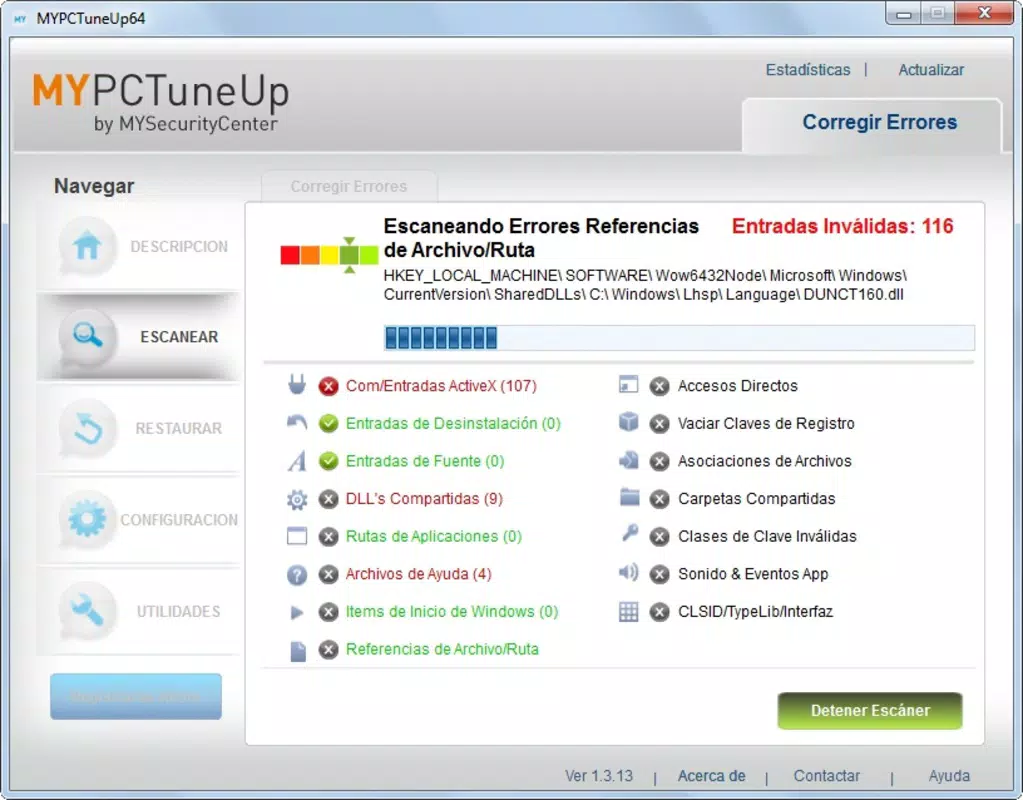
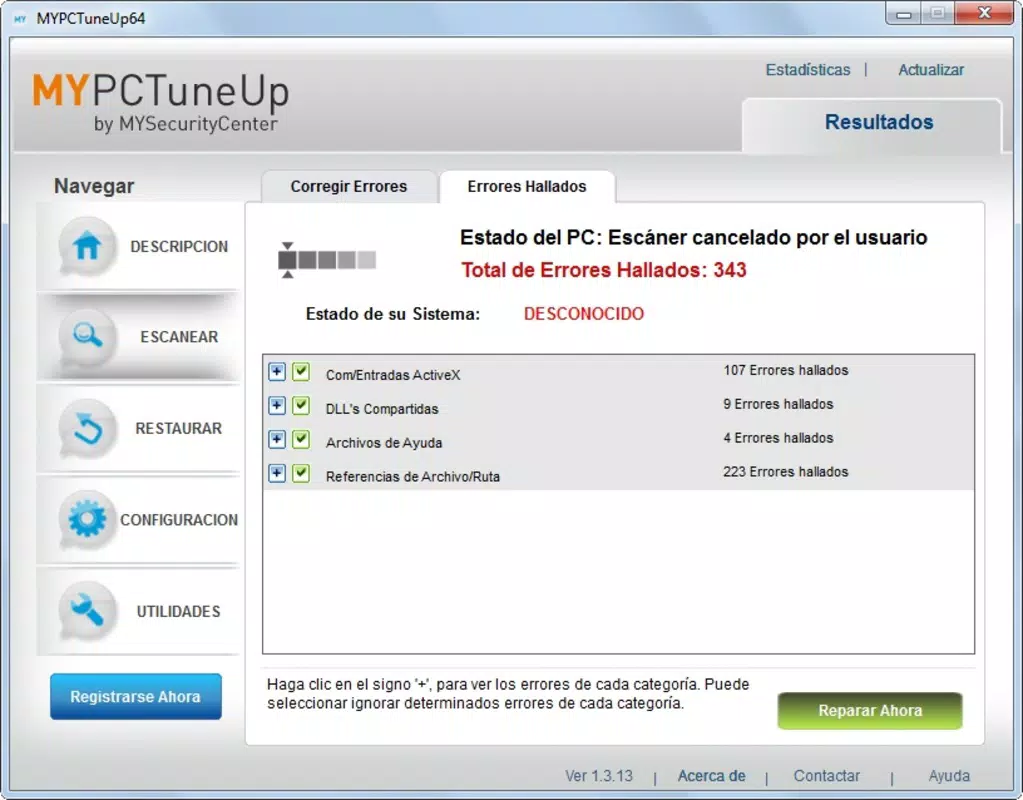
- Comprehensive Error Scanning: The app performs a full system scan to detect and resolve various errors, including invalid file paths, outdated registry entries, and empty keys. This proactive approach helps prevent system slowdowns and crashes.
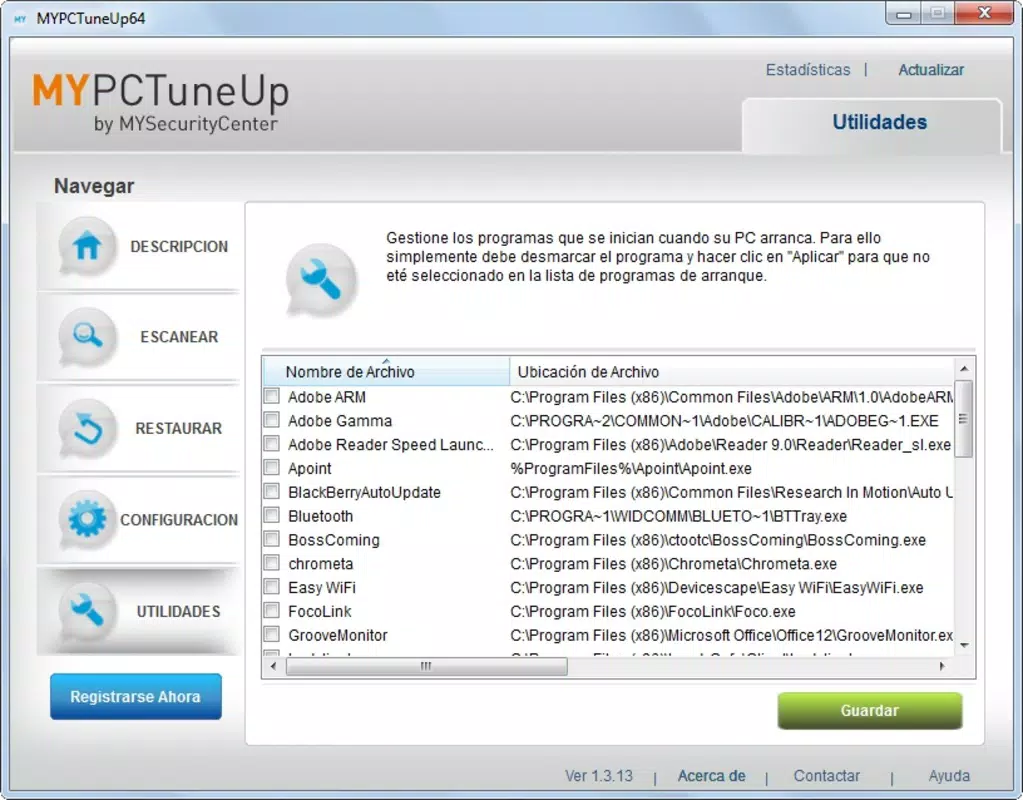
- Startup Program Management: Users can view and customize which applications launch at startup. Disabling unnecessary programs reduces boot time and frees up system resources.
- User-Friendly Interface: Designed with simplicity in mind, the interface allows quick navigation and one-click access to core functions, making it accessible to users of all experience levels.
- Safe Optimization Techniques: MyPCTuneUp uses verified, non-destructive methods to fix issues, ensuring that critical system files and settings remain intact during the cleaning process.
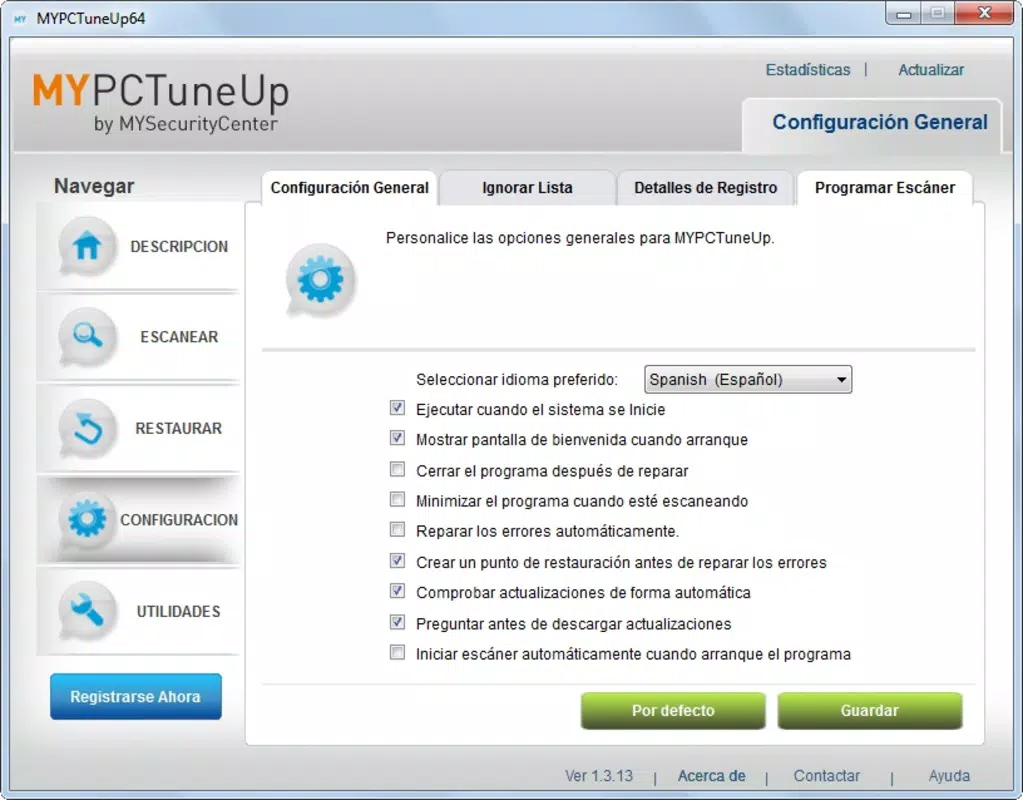
- Regular Maintenance Support: The tool encourages consistent use, enabling users to schedule periodic scans and optimizations to maintain long-term system health.
For example, a user experiencing slow boot times can use the startup manager to disable non-essential programs like instant messaging apps or cloud sync tools. Similarly, someone encountering system errors after software uninstallation can run a scan to repair broken registry entries. These practical applications highlight the tool’s real-world value in daily computing environments.
Interface, UX & Performance
MyPCTuneUp features a clean, minimalist interface that prioritizes clarity and ease of use. The layout is organized into clearly labeled sections, allowing users to quickly access scanning tools, startup management, and system reports. Visual cues and progress indicators provide feedback during scans, helping users understand the process in real time.
Navigating through the app is straightforward, with intuitive menus and consistent button placement. Even users unfamiliar with system-level tools can perform basic optimizations with minimal guidance. The application responds promptly to user inputs, with scans completing in a reasonable timeframe based on system size and complexity.
Although the developer did not list formal performance metrics, the app’s lightweight footprint of 10.3 MB suggests efficient resource usage. It runs smoothly on older and newer Windows systems without consuming excessive CPU or memory. Stability appears consistent, with no reported issues related to crashes or freezes during typical use. The tool maintains a low background impact, ensuring it does not interfere with other running applications.
Platform Compatibility & Technical Requirements
MyPCTuneUp is designed for the Windows platform and is compatible with various versions of the operating system. The current version is 1.0.0, with a file size of 10.3 MB. The app is available at no cost, making it accessible to a wide range of users.
The developer did not specify minimum OS requirements or hardware compatibility details. However, given its lightweight design and long-standing presence in the Windows ecosystem, it is likely to function on most modern and legacy Windows systems. Users should ensure their system meets general Windows requirements for running desktop applications.
Pros and Cons
Pros
- Free to download and use, making it accessible for budget-conscious users.
- Lightweight design with minimal system resource consumption.
- Simple, intuitive interface suitable for beginners and experienced users alike.
- Safe, non-destructive optimization methods preserve system integrity.
- Supports ongoing maintenance with regular scanning and repair capabilities.
Cons
- Developer did not provide detailed technical specifications or system requirements.
- Limited information on update frequency or long-term development plans.
- No advanced features such as disk defragmentation or deep system diagnostics.
- Not available on mobile platforms or non-Windows operating systems.
- Specific compatibility with older Windows versions was not confirmed.
FAQ
Is MyPCTuneUp safe to use?
Yes, the application uses verified, non-destructive methods to fix system issues. It avoids removing essential files or altering critical system settings, ensuring user data and system stability remain protected.
Can I use MyPCTuneUp on older Windows systems?
While the developer did not specify compatibility details, the app’s lightweight design suggests it may function on older Windows versions. Users are advised to test it on their system to confirm functionality.
How often should I run a system scan?
For optimal performance, users are encouraged to run a scan periodically—such as once a month—or after installing or uninstalling software to maintain system health.
Is MyPCTuneUp available for mobile devices?
No, the application is currently designed only for Windows desktop systems. There is no official version available for Android, iOS, or other mobile platforms.
Does MyPCTuneUp require an internet connection?
The app does not require an active internet connection to perform scans or manage startup programs. However, updates or additional features may require connectivity in the future.
Final Thoughts
MyPCTuneUp stands out as a reliable, no-cost solution for users seeking to maintain their Windows computers without technical hassle. Its focus on safety, simplicity, and consistent performance makes it a valuable tool for anyone looking to enhance system stability and responsiveness. While it lacks advanced features found in premium utilities, its core functions are executed effectively and efficiently.
Those who prioritize long-term system health and prefer a straightforward, trustworthy tool will find MyPCTuneUp to be a solid choice. Whether you're managing a personal laptop or a work computer, this utility offers practical benefits with minimal overhead.
Download MyPCTuneUp now


